
How to Favorite Photos
in the Gallery
ai.tiesandbonds.vibrantweddings.co

How do I Favorite Photos in the Gallery?
You can create a favorites list in your gallery to make ordering and downloading your favorite images easier.
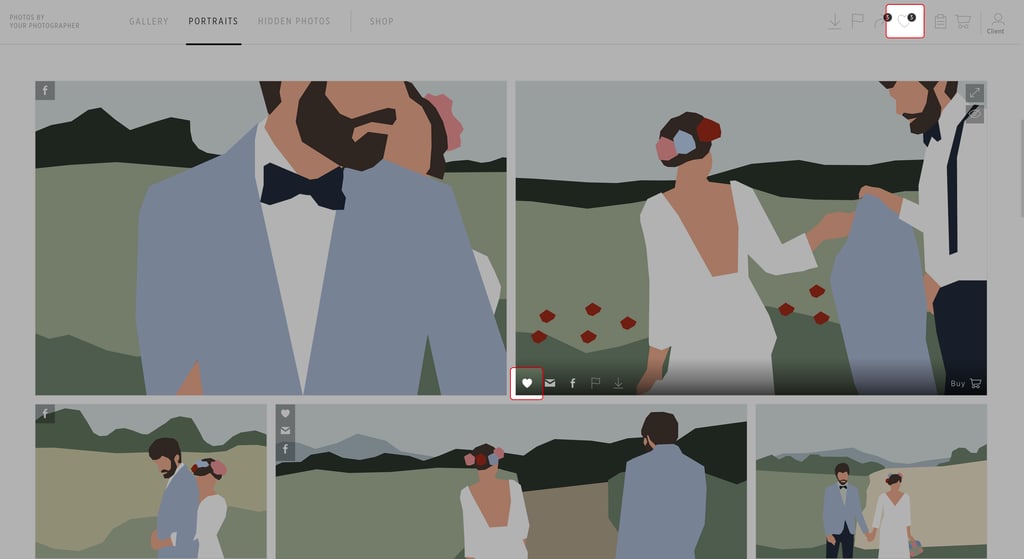

1. Click on the heart icon to add a photo to your favorites list, and access the list by clicking on the main heart icon in the navigation bar.
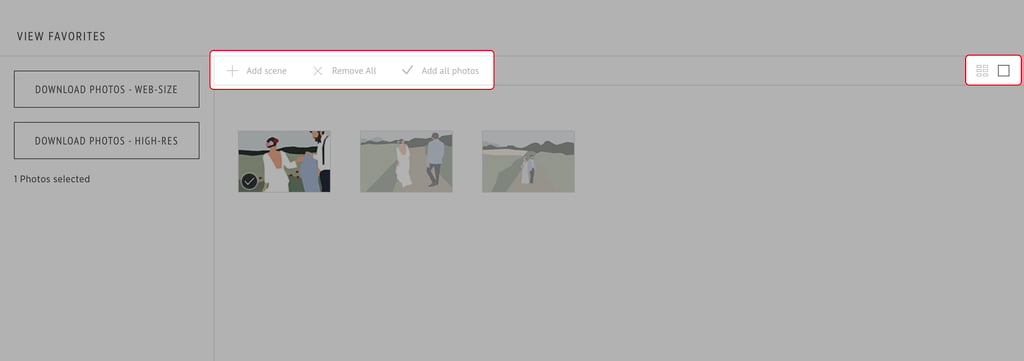
2. When you view your favorites, you can view them as tiles or large icons, and add and remove images.
3. Click on the image to remove or add it back to your favorites list. Depending on what your photographer has available to you, you can also download your favorites list.
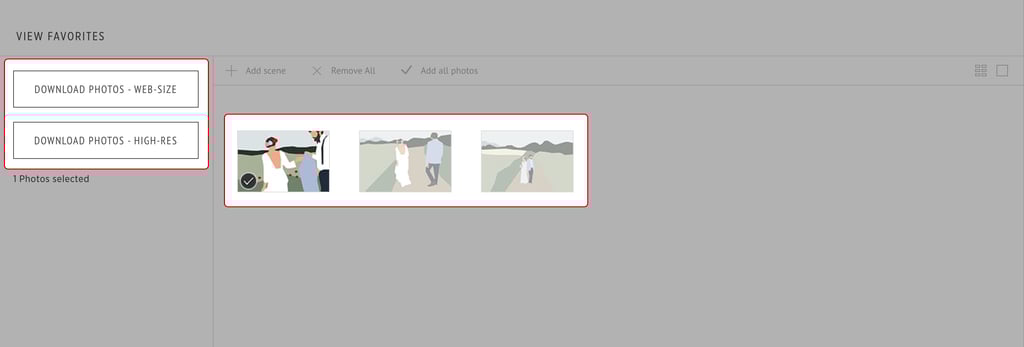
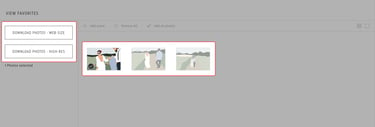
In addition, you can share your favorites list with friends and family,
vibrantmediacompany@gmail.com
connect us : +91 8089776092
TIES AND BONDS
FROM THE HOUSE VIBRANT WEDDINGS
All content Copyright © 2025 TIES AND BONDS FROM THE HOUSE OF VIBRANT WEDDINGS